Vector Databases Explained: Choosing the Right Store for Your RAG Pipeline
Every RAG system needs a vector database, and every team building one asks the same question early: which one should we use? Search for an answer and you'll find a dozen credible-sounding options, each claiming to be the fastest, most scalable, or most developer-friendly — with benchmarks that seem to contradict each other depending on who published them. The honest answer, echoed consistently across practitioners who've shipped dozens of production RAG systems, is that there is no universally correct choice. There is only the right choice given your scale, your team's operational capacity, your existing stack, and whether you genuinely need hybrid search or multi-tenancy.
This article — a practical companion to our RAG guide — explains what a vector database actually does, the real decision framework practitioners use, how the major options compare, and the mistake that costs teams the most time. Written for engineering teams building or scaling a RAG pipeline.
What a Vector Database Actually Does
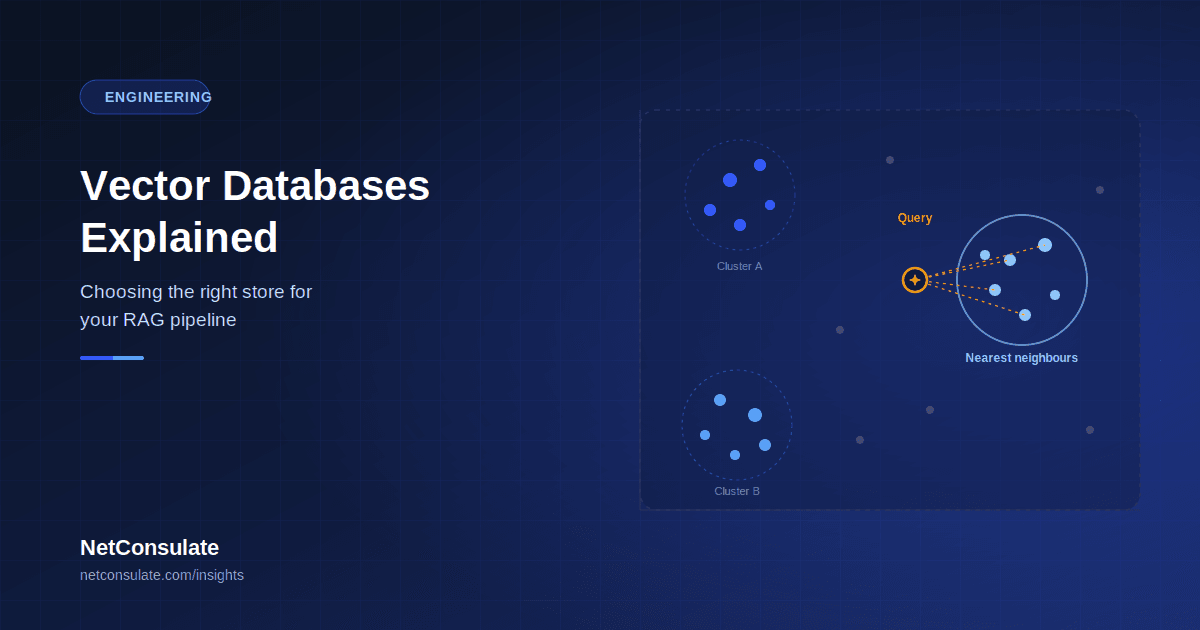
A vector database stores and searches embeddings — the numerical representations of your documents produced by an embedding model — and returns the entries most semantically similar to a query, rather than matching exact keywords. This is the retrieval half of the RAG architecture covered in our RAG guide: the vector database is what makes "find the passages relevant to this question" fast enough to run on every query, even across millions of documents.
Every serious option supports the same baseline capabilities today: cosine, dot-product, and L2 distance metrics, metadata filtering, and accepting embeddings from whatever model you choose. The differences that actually matter show up in latency and throughput at your specific scale, how deep hybrid search support goes, and — the one every comparison eventually lands on — the operational complexity you're signing up for on day 60 of a project, not day one.
The Decision Framework That Actually Matters
Practitioners who've shipped many production RAG systems converge on the same ordering, and it's worth taking seriously precisely because it isn't what most teams instinctively do:
Pick by data-platform commitment and scale first. Let benchmarks be the tie-breaker, not the starting point.If Postgres is already your data platform, pgvector is the default — not a compromise. Running a separate vector database only justifies itself once scale or workload genuinely demands it. This isn't a "good enough for now" recommendation; recent benchmarking with HNSW indexing (available since pgvector 0.5) shows pgvector matching or beating dedicated vector databases at the 1-million-vector scale on equivalent compute — the old "Postgres is slow for vectors" narrative was largely an artifact of the earlier IVFFlat index era, not a permanent limitation. If you want zero-ops managed infrastructure above everything else, Pinecone is the default. Fully managed, auto-scaling, no infrastructure to run — the trade is operational simplicity for a bill that grows quickly with scale, and a serverless tier that is measurably slower than self-hosted or dedicated alternatives (their pod-based tier is faster, at meaningfully higher cost). If you're already on Google Cloud, Vertex Vector is the path of least resistance for the same reason pgvector wins for Postgres users — platform commitment beats marginal benchmark differences for most teams. Above roughly 100 million to a billion vectors, purpose-built systems earn their complexity. This is where Milvus and Vespa become the right answer specifically because general-purpose extensions and simpler managed services hit real throughput and latency ceilings at that scale.
How the Major Options Actually Compare
| Database | Best fit | Real trade-off |
| pgvector | Teams already on Postgres, under ~100M vectors | SQL joins and transactional consistency with your existing data — the strongest advantage most comparisons undersell |
| Pinecone | Zero-ops managed scale, teams that don't want to run infrastructure | Serverless tier trades latency for convenience; cost scales quickly with volume |
| Qdrant | Open-source teams prioritising raw speed and a generous free tier | Rust implementation gives it a genuine latency edge — roughly 10–25% faster than Weaviate or Milvus on common workloads, with p99 latency around 12ms at 10M vectors versus Weaviate's ~16ms |
| Weaviate | Deep hybrid search (vector + BM25 + metadata) and built-in multimodal embedding modules | More operational knobs to tune than pgvector or Pinecone; one widely cited practitioner account reports it "didn't survive past the second project" due to schema and operational complexity — a genuine minority view worth weighing, not a consensus |
| Milvus | Billion-scale deployments at lower per-vector cost | Requires real engineering resources to operate well; the most popular open-source option by GitHub stars, backed by Zilliz Cloud for a managed path |
| Chroma | Prototyping and MVPs | Fastest path to a working demo; teams consistently migrate to Qdrant or pgvector once they move toward production |
| Vespa | Billion-scale hybrid search with learned ranking | Highest operational complexity of the group; justified only at genuine large scale |
Hybrid Search — Increasingly a Requirement, Not a Feature
Pure vector similarity search misses something keyword search catches naturally: exact matches on product codes, names, or specific terminology that don't embed distinctively. Hybrid search — combining dense vector similarity with sparse keyword methods like BM25, then fusing the results — has become close to a default expectation in production RAG rather than an advanced feature. If hybrid search is a genuine requirement for your use case, Qdrant and Weaviate are consistently rated as the stronger options among the field, with Qdrant's native support for sparse retrieval methods (SPLADE, miniCOIL) and multi-vector representations (ColBERT-style) extending well past simple vector-plus-keyword fusion.
The Mistake That Costs Teams the Most Time
Across comparisons drawn from genuinely large numbers of production deployments, one observation recurs: the vector database you start your RAG project with is rarely the one you ship to production with — and that's fine, provided the early choice didn't cost you more than it needed to.
The costly version of this mistake is spending weeks evaluating Pinecone against Weaviate against Qdrant when the team already has Postgres running and a corpus well under the scale where the choice would matter — pgvector would have shipped the same capability in a day. The instructive lesson isn't "always pick pgvector." It's that the vector store is frequently the least interesting engineering problem in a RAG system. Retrieval quality, chunking strategy, metadata schema design, and the evaluation pipeline — the concerns covered in our RAG guide — determine whether the system actually works far more than whether you chose Qdrant over Weaviate. Teams that spend their evaluation budget on vector database bake-offs instead of chunking and evaluation quality are optimising the wrong variable.
A Practical Decision Path
Step 1 — Check your existing stack first. Already running Postgres? Start with pgvector. Already on GCP? Vertex Vector. This single check resolves the decision for a large share of teams before any benchmark needs to be consulted. Step 2 — Estimate your actual scale honestly. Under a few million vectors, almost every option performs adequately — this is not where your engineering effort should concentrate. Tens to hundreds of millions of vectors is where Qdrant, Weaviate, and Milvus start to differentiate meaningfully. Above roughly a billion, Milvus and Vespa become the realistic field. Step 3 — Identify whether hybrid search is a genuine requirement, not a nice-to-have — if it is, weight Qdrant and Weaviate higher regardless of what step 1 suggested. Step 4 — Prototype fast, decide slow. Chroma remains the fastest path to a working proof of concept precisely because migrating away from it later, once real requirements are clear, is a well-worn and low-risk path — don't let prototype tooling choices become production commitments by inertia. Step 5 — Budget for the migration you'll probably make. Since practitioners consistently report migrating vector stores as requirements clarify, architecting your retrieval layer with a reasonably clean abstraction over the vector store from day one pays back more reliably than getting the first choice perfectly right.A Readiness Checklist
- Existing data platform and cloud commitments checked before evaluating standalone options
- Realistic vector-count scale estimated for the next 12–18 months, not just the current prototype
- Hybrid search requirement explicitly confirmed or ruled out, not assumed
- Retrieval abstraction layer designed to make a future vector-store migration low-cost
- Evaluation effort weighted toward chunking strategy and retrieval quality, not solely vector database benchmarks
- Operational capacity honestly assessed against each option's real complexity, not its marketing page
Conclusion
Choosing a vector database is a genuinely important decision, but it's rarely the decision that determines whether a RAG system succeeds. The practitioners who've shipped the most production systems converge on the same advice: start from your existing platform and realistic scale, treat benchmarks as tie-breakers rather than starting points, and spend the engineering time you save on the parts of RAG — chunking, retrieval evaluation, grounding quality — that actually determine whether your system gives good answers.
If your organisation is building or scaling a RAG pipeline and needs help choosing and implementing the right retrieval infrastructure, NetConsulate designs production RAG systems end to end — from vector store selection matched to your real requirements to the chunking, evaluation, and grounding discipline that determines whether it actually works.
Building or scaling a RAG pipeline? Submit a proposal request and our team will respond with a tailored architecture recommendation within 2 business days.